Seedream 5 Lite: High Resolution Images for 5 Credits, and How to Use It
Seedream 5 Lite from ByteDance replaces Seedream 4 here at the same price, 5 credits per image or edit. How large it renders, what it is good at, and how to prompt it in Studio and the Agent.
Seedream 4 Is Out, Seedream 5 Lite Is In
If you used Seedream 4 here, the model menu looks a little different now. Seedream 5 Lite from ByteDance takes its place in Studio, in both create and edit modes, and in the Agent. The price did not move: 5 credits per image and 5 credits per edit, exactly what Seedream 4 cost.
Which Seedream 5 Is This?
ByteDance's Seedream 5.0 family comes in three tiers: Pro, the flagship, plus Lite and Flash. Lite became available to developers in July 2026. We went with Lite for a simple reason. It keeps the price where Seedream 4 was, so nobody's workflow gets more expensive overnight.
Big Images, Small Price
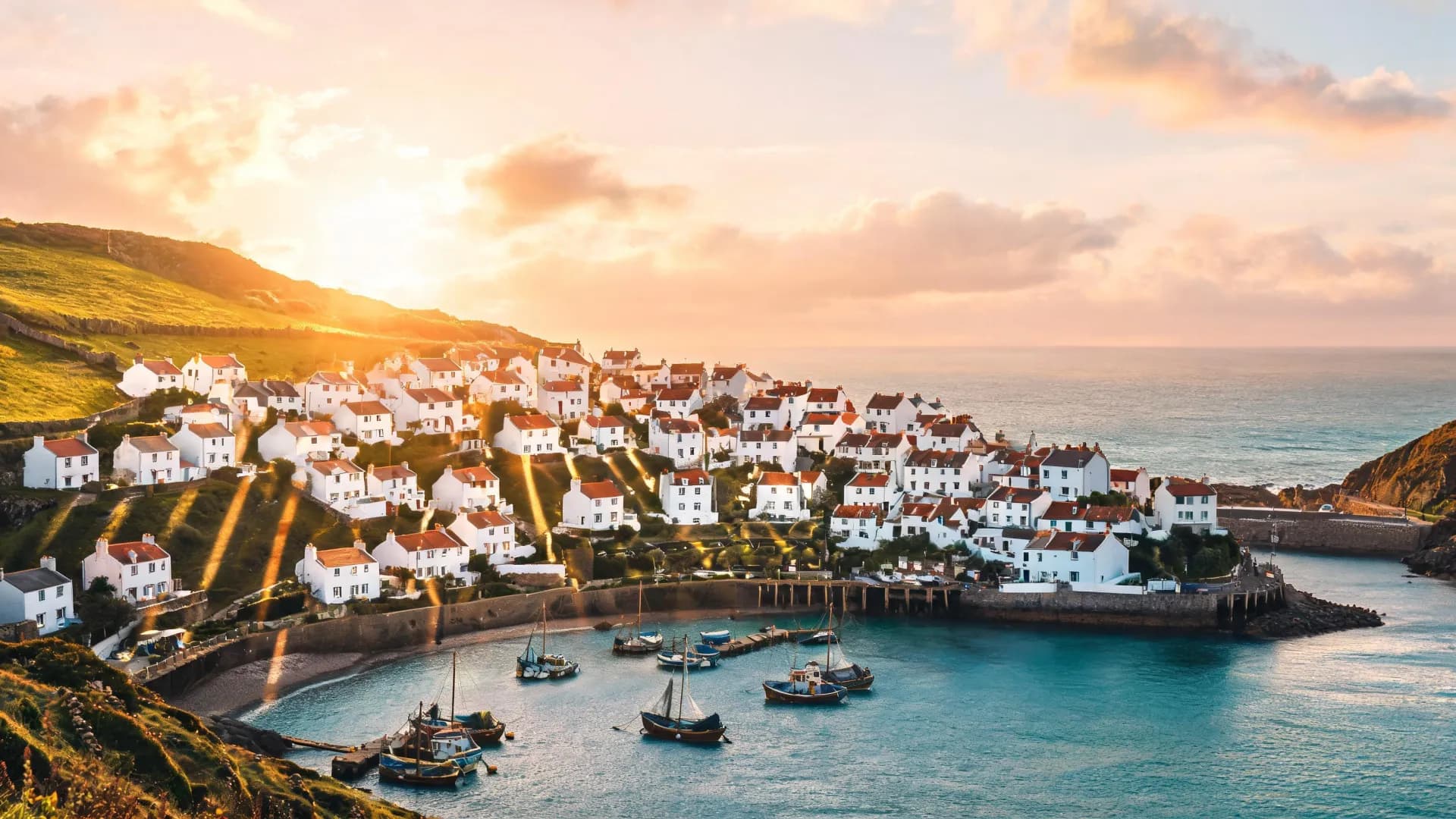
This is the part that matters most. Seedream 5 Lite renders large, around 2K and up. Every image has at least as many pixels as a 2560 by 1440 frame. That makes it the cheapest way here to get a high resolution image. A few models cost less per image, but none of them is a cheaper route to this much resolution. For a poster or a desktop wallpaper, 5 credits is honestly a good deal.
What It Is Good At
- Posters and wallpapers, where resolution is the whole point
- Product photos, especially when your own product shot is one of the references
- Photoreal scenes, the kind that should look like a photo and not a render
- Quick high res drafts you can already show someone
How to Use It in Studio
- Open Studio and choose create mode (or edit mode if you have reference images).
- Pick Seedream 5 Lite from the model menu.
- Write the prompt: subject, setting, light, camera, framing.
- Choose the aspect ratio: 1:1, 16:9, 9:16, 4:3, 3:4, 2:3 or 21:9.
- Generate. It costs 5 credits, and if a generation fails the credits come back automatically.
The Agent works the same way. Describe what you want and let it pick the model, or name it yourself ("use Seedream 5 Lite for this"). You see a plan with the credit cost before anything is generated.
Rather not write the prompt yourself? Let the Agent do it.
Open the AgentEditing With Up to 10 Reference Images
Edit mode accepts up to 10 reference images. That opens up two very practical things. One: put a product into a scene. Upload the product photo and a photo of the place, then ask for one inside the other. Two: combine several references into a single composition, say a person, an outfit and a backdrop.
The trick is to tell the model which image supplies what. "Use the bottle from image 1 on the table from image 2" beats "put the bottle on the table" by a mile. With five or six references, that is the difference between a clean composite and a guess.
Prompt Tips
- Cover five things: subject, setting, light, camera and framing. "A ceramic mug on a linen tablecloth, morning window light, 50mm lens, close up from slightly above" is a complete prompt.
- Pick the aspect ratio in Studio rather than describing it in the prompt. Let the picker handle the shape and spend your words on the picture.
- For edits, number your references and refer to them by number.
- Start with one image. At 5 credits you can afford to iterate, so change one thing at a time.
When to Pick Something Else
Honestly, if the design is mostly text (a menu, a poster full of copy, a slide), I would not start here. For text heavy designs, GPT Image 2.5 (8 credits) or Flux 3 (10 credits) may be the better pick. The fair way to know is to compare. Seedream 5 Lite is not part of Fire Images, so run the same prompt in Studio with each model and put the results side by side.
Frequently Asked Questions
How much does Seedream 5 Lite cost?
5 credits per image and 5 credits per edit, the same as Seedream 4. A failed generation is refunded automatically.
What resolution does Seedream 5 Lite produce?
Around 2K and up. Every image has at least 2560 by 1440 pixels worth of area, which makes it the cheapest way here to get a high resolution image.
How many reference images does Seedream 5 Lite accept?
Up to 10 in edit mode. You can combine a product photo with a scene, or merge several references into one composition. Say which image supplies what.
What happened to Seedream 4?
Seedream 5 Lite replaced it in Studio (create and edit) and in the Agent, at the same price.
Try Seedream 5 Lite in Studio for 5 credits.
Open Studio