Best AI Image & Video Models 2026: Full Comparison Guide
Compare Flux 2, Nano Banana 2, Imagen 4, GPT Image 2, Veo 3.1 and Kling 3.0: speed, quality and credit costs for every AI model, and exactly which one to pick for each job.
One Platform, Every Frontier Model
We do not lock you into a single model. Each one is tuned for a different job (speed, photorealism, text rendering, or cinematic video), and the right choice can be the difference between three credits and thirty. This guide maps the full lineup and tells you exactly when to reach for each.
Image Models: The Speed vs. Quality Trade-off
Most image decisions come down to how much quality you need versus how fast and cheap you want it. Here is the full image lineup, from fastest to highest fidelity, with credit costs.
- Flux 2 Klein 4B (3 credits): sub-second drafts and high-volume batches
- Flux 2 Klein 9B (3 credits): near-instant generation with a noticeable quality bump
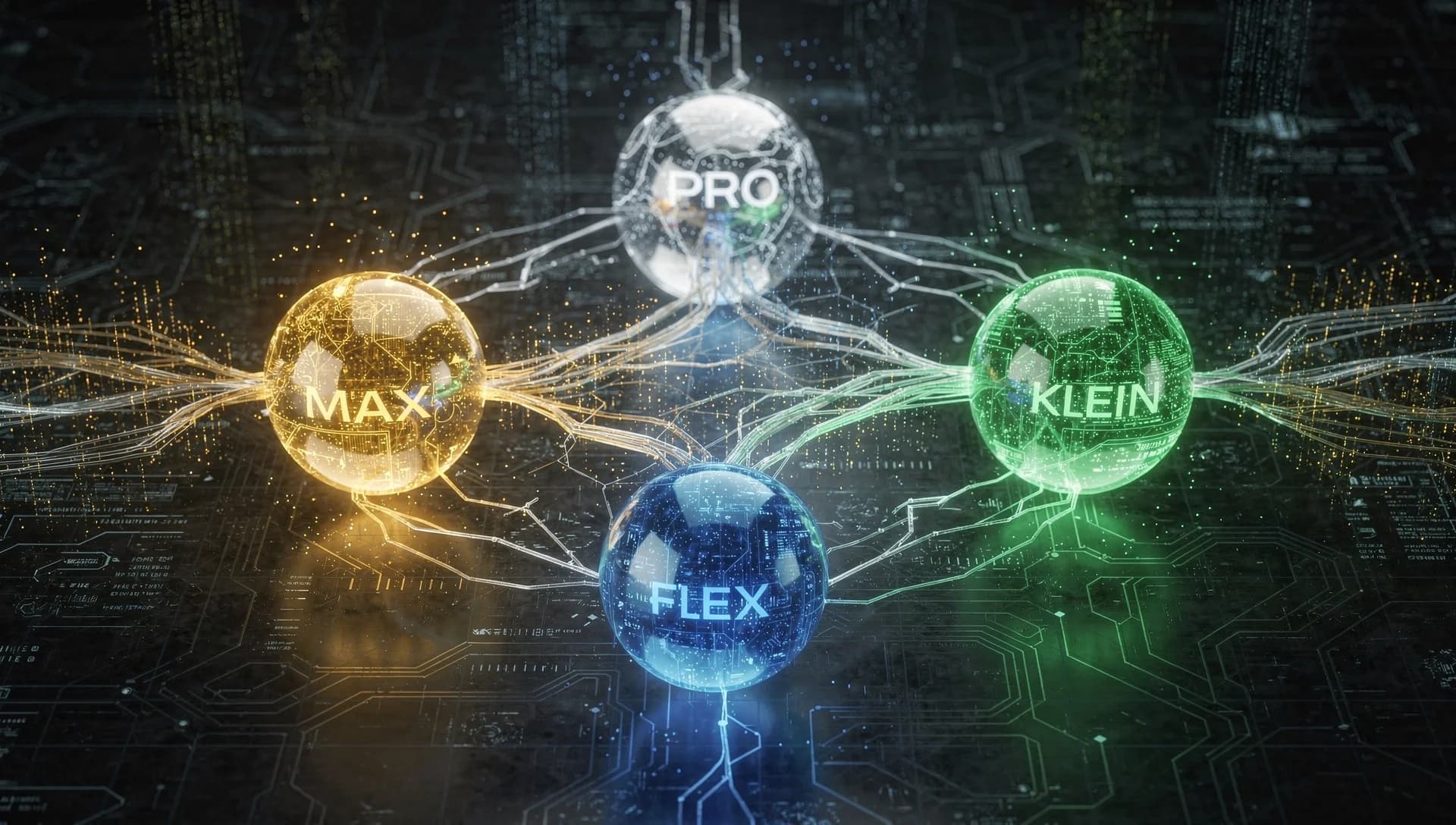
- Flux 2 Pro (7 credits): the reliable default for most production images
- Flux 2 Flex (13 credits): adjustable steps and guidance, strong on fine detail
- Flux 2 Max (15 credits): top quality with grounding web search for real-world and current subjects
- GPT Image 2 (8 credits): industry-leading text rendering for posters, signage, and UI
- Imagen 4 Ultra (15 credits): premium photorealism for hero and editorial shots
- Imagen 4 Fast (6 credits): quick, good-quality iterations
- Nano Banana (8 credits): the cheapest fast option for quick drafts
- Nano Banana 2 (15 credits): 4K output, thinking mode, and built-in web search
- Nano Banana Pro (30 credits): studio-grade output for complex, demanding prompts
- Hunyuan V3 (20 credits): versatile artistic styles with strong text rendering
Need Text Inside the Image? Read This.
Typography has always been the hardest thing for image models. If your design includes readable words (a poster, a logo lockup, a product label, a UI mockup), reach for GPT Image 2 first, with Flux 2 Flex as a close second. Both were trained specifically to keep letters crisp and correctly spelled.
Editing and Multi-Reference
Every Flux 2 edit model supports multi-reference: you can combine a face, a pose, and a background from up to eight separate images into one coherent result. Nano Banana 2 Edit pushes that to fourteen references. This is how you keep a character consistent across scenes, build product mockups, or shoot a fashion editorial with the same model in every frame.
Video Models: From Quick Clips to Cinema
Video has moved fast. The current lineup spans quick social clips to multi-shot, audio-synced cinematic sequences.
- Veo 3.1 Fast: fast text-to-video with optional native audio
- Veo 3.1 Image-to-Video: animate a still in seconds, plus a First/Last-frame mode
- Kling 2.5 Turbo Pro: top-tier cinematic text-to-video
- Kling 3.0 Pro: multi-shot cinematic video with native audio (text- and image-to-video)
- Seedance 2.0: ByteDance flagship with director-level camera control and synced audio
- Seedance 2.0 Fast: the same core features at lower latency and cost
Upscaling
Already have an image you love but need it bigger and sharper? Flux Vision Upscale and Sima Upscale enlarge and refine without the soft, mushy artifacts of a naive resize.
Not Sure Which to Pick? Let the Agent Choose.
If matching a model to a task sounds like a lot to track, it is, and that is exactly what the AI Agent is for. Describe what you want in plain language and it selects the right model, mode, and settings for you automatically. You can always override it or jump into the Studio for full manual control.
Try every model in the Studio
Open AI Studio